How to Evaluate a Budget Laptop Before Buying
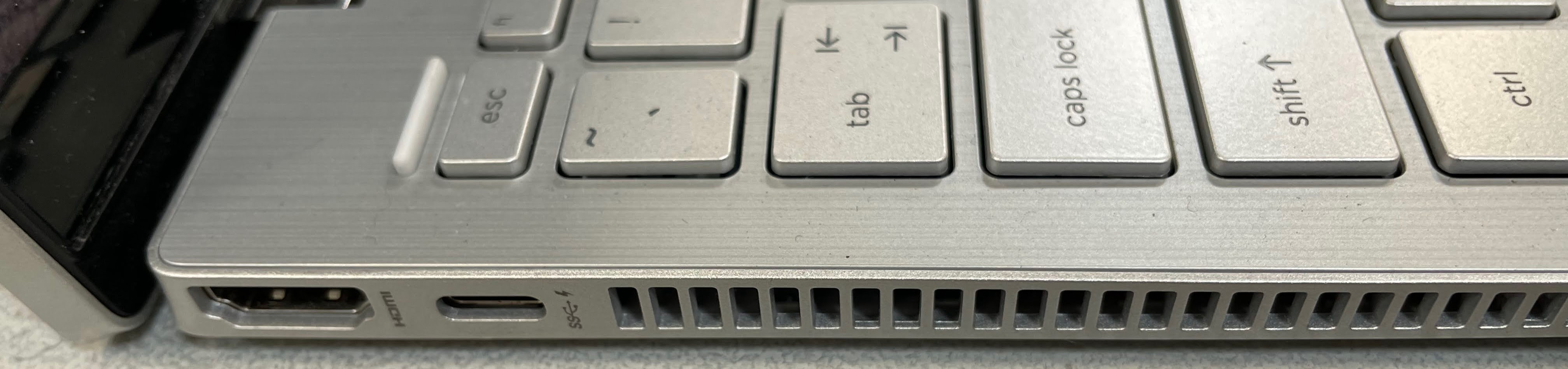
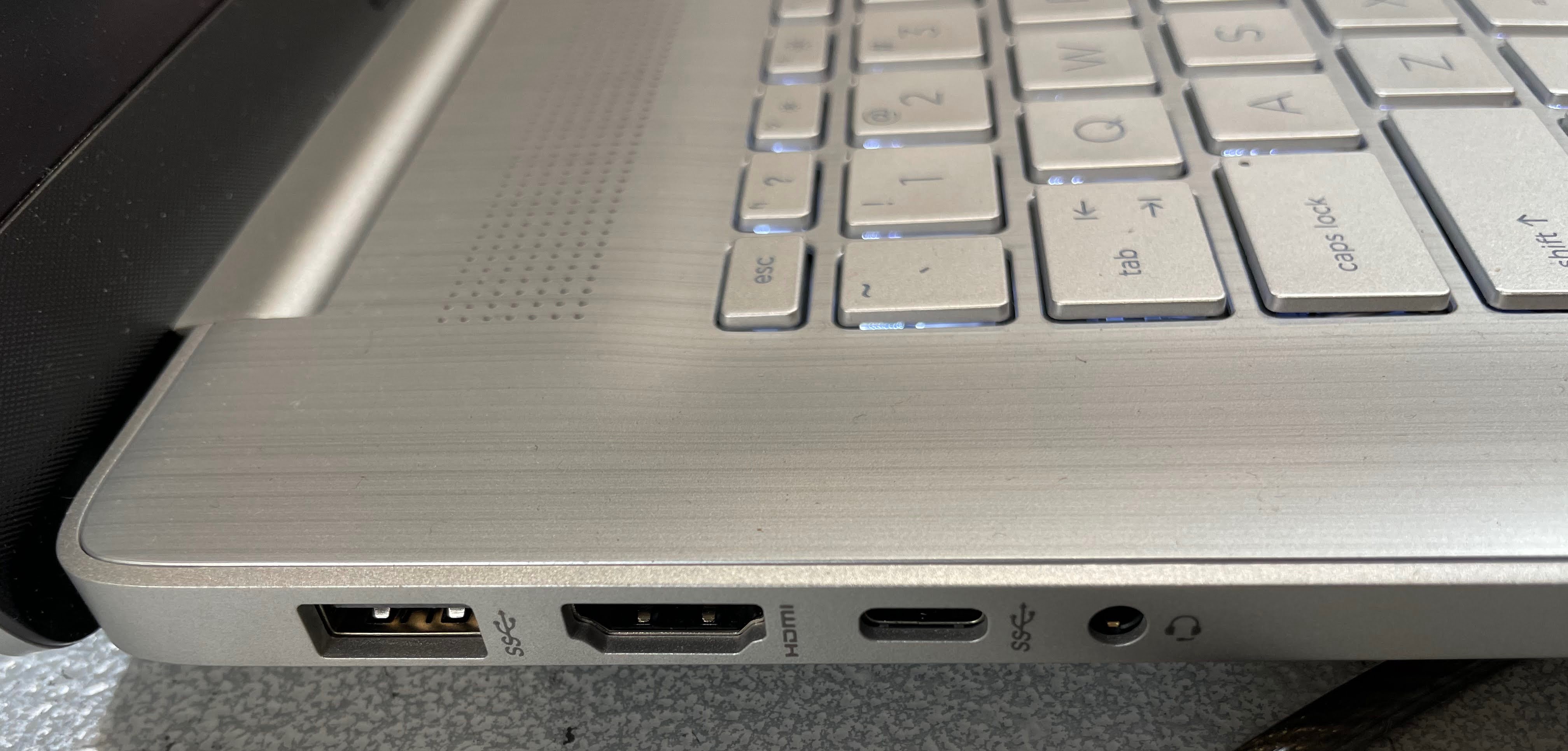
Check the chassis material in the product photos, not the description. Manufacturers describe nearly everything as having a "premium design". look at the actual photos for signs of an aluminum or metal finish. Plastic that's painted to look like aluminum is still plastic, and it will scratch and flex. A product description that specifically says "aluminum lid" or "metal chassis" means something. Brushed texture photos usually indicate real aluminum.
Look up the display nit rating before you buy. Amazon listings often bury display brightness specs. Search the model number plus "nits" or check the manufacturer's spec page directly. Anything below 200 nits will frustrate you near windows. 250 nits is usable. 300 nits and above is comfortable. The HP Pavilion 15 and ASUS VivoBook typically hit 250 to 300 nits. The Dell Inspiron 15 3000 tends to come in around 200 nits at the entry configuration.
Specs that matter most for longevity. RAM matters more than CPU generation for daily use longevity. a 16GB Ryzen 5 laptop from 2024 will still feel fast in 2028. The CPU generation matters less than most buyers think, because web browsing, video calls, and office work are not CPU-intensive. SSD size matters for convenience. 512GB is the sweet spot. 256GB requires active management within a year of daily use.
The refurbished alternative is worth checking every time. Manufacturer-refurbished laptops sold directly by Dell, HP, and Lenovo through Amazon Renewed often represent a full generation upgrade over new budget options. A refurbished HP EliteBook or Dell Latitude. enterprise machines originally costing $900 to $1,200. can be found for $350 to $450 in excellent condition. These have aluminum chassis, better keyboards, better displays, and longer Windows support windows than consumer budget machines. If you don't need a brand new device, check Renewed before you buy.
More budget guides: Hunting for price drops? See Best Laptop Deals Under $500. Want a specs-first ranking? Check our Top 7 Laptops Under $500 compared by performance, storage, and value.