Student Decision 2026
Laptop vs Tablet for College
Which is the smarter buy for students in 2026? Here's the direct answer.
Last updated: April 2026
Disclosure: As an Amazon Associate and affiliate partner, we earn from qualifying purchases. This doesn't affect our recommendations.
Who This Comparison Is For
You're heading to college and trying to figure out whether to buy a laptop, a tablet, or both. This is one of the most common questions we get. and the answer depends on your major, budget, and how you work. Below we compare a top student laptop against the best tablet for students, then tell you which to choose based on your situation.
Best for Most Students
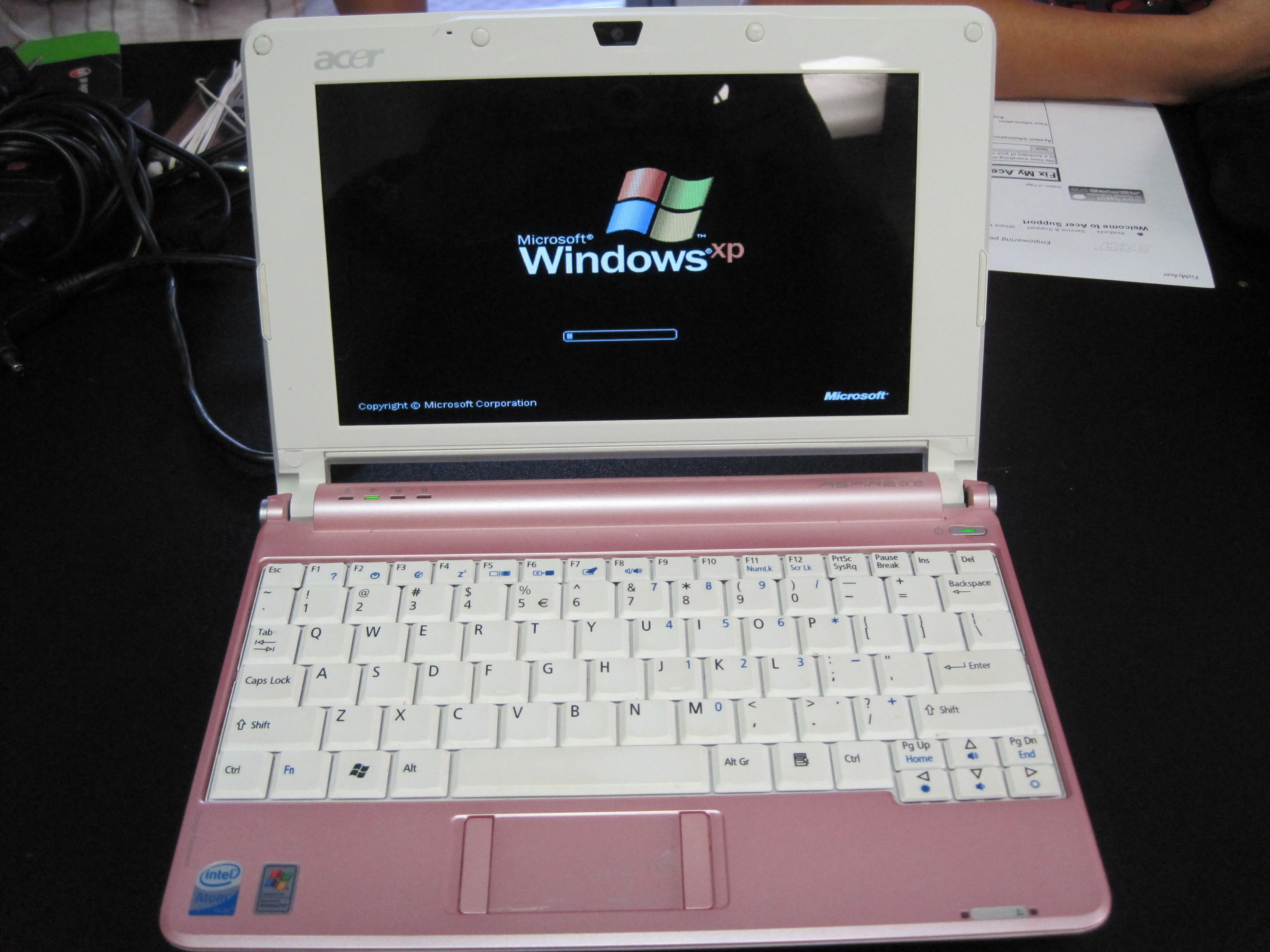
Laptop: Acer Aspire 5 (Ryzen 5)
~$429
AMD Ryzen 5 7520U
8GB RAM
512GB SSD
15.6" FHD IPS
9.5hr Battery
Pros
- Full Windows. runs all software
- Physical keyboard included
- $429 total cost, ready to use
Cons
- No touchscreen
- Heavier at 4.0 lbs
- Less portable for quick note-taking
Check Price on Amazon →
Best for Note-Takers
Tablet: iPad Air M2 + Keyboard
~$898 total
Apple M2 Chip
8GB RAM
256GB Storage
11" Liquid Retina
10hr Battery
Pros
- Apple Pencil for handwritten notes
- Lighter and more portable
- Excellent for reading and media
Cons
- $598 iPad + $299 keyboard = $897 total
- No full desktop software
- Limited for coding, engineering, nursing
Check Price on Amazon →
Laptop vs Tablet. Head-to-Head
| Category |
Laptop |
Tablet + Keyboard |
| Total Price (ready to use) |
$429–$600 |
$700–$1,100 |
| Writing Papers |
Physical keyboard. faster |
Keyboard case. workable |
| Full Desktop Software |
Yes. all programs |
No. iPadOS apps only |
| Coding / Engineering |
Yes. IDEs, compilers |
Very limited |
| Handwritten Notes |
No (without touchscreen) |
Yes. Apple Pencil |
| Portability |
3.5–5 lbs |
1–2 lbs (iPad alone) |
| Battery Life |
8–12 hours |
10–15 hours |
| Best For |
Most majors. default choice |
Arts, media, note-heavy majors |
Verdict by Major
Business, Liberal Arts, English, History, Psychology: Either works. A laptop is cheaper and more flexible. A tablet with keyboard is fine if you prefer handwritten notes and are committed to the iPad ecosystem.
Engineering, Computer Science, Data Science, Nursing: Get a laptop. full stop. You need compilers, IDEs, specialized software (MATLAB, SPSS, AutoCAD), and clinical apps that don't run on iPadOS. A tablet cannot substitute here.
Art, Design, Architecture: Consider both. a laptop for full Adobe Suite work and a tablet for sketching and reference. If budget is tight, a laptop with a drawing tablet (Wacom) is cheaper than two devices.
Bottom line: If you can only buy one device and you don't know exactly what your major requires, buy a laptop. It does everything a tablet does (except handwriting) and more. The tablet is the better second device, not the primary one.
Frequently Asked Questions
Is a laptop or tablet better for college?
A laptop is better for most students. Laptops run full desktop software, have real keyboards for faster typing, and handle every task a tablet can. plus many a tablet can't. Tablets shine for handwritten notes, reading PDFs, and light creative work. If you're choosing one device, get a laptop. If you already have one and want to add something, consider a tablet.
Can an iPad replace a laptop for college?
For general-purpose coursework. yes, many students manage it. For technical majors (CS, engineering, nursing, science). no. iPadOS doesn't run compilers, CAD software, nursing clinical systems, or many research tools. Don't assume you can switch until you've confirmed every required tool runs on iPad.
What laptop should I buy for college instead of a tablet?
For most students, we recommend the Acer Aspire 5 (~$429), Lenovo IdeaPad 5 (~$479), or MacBook Air M3 (~$1,099 if budget allows). See our Best Laptops for Students page for full recommendations at every budget.