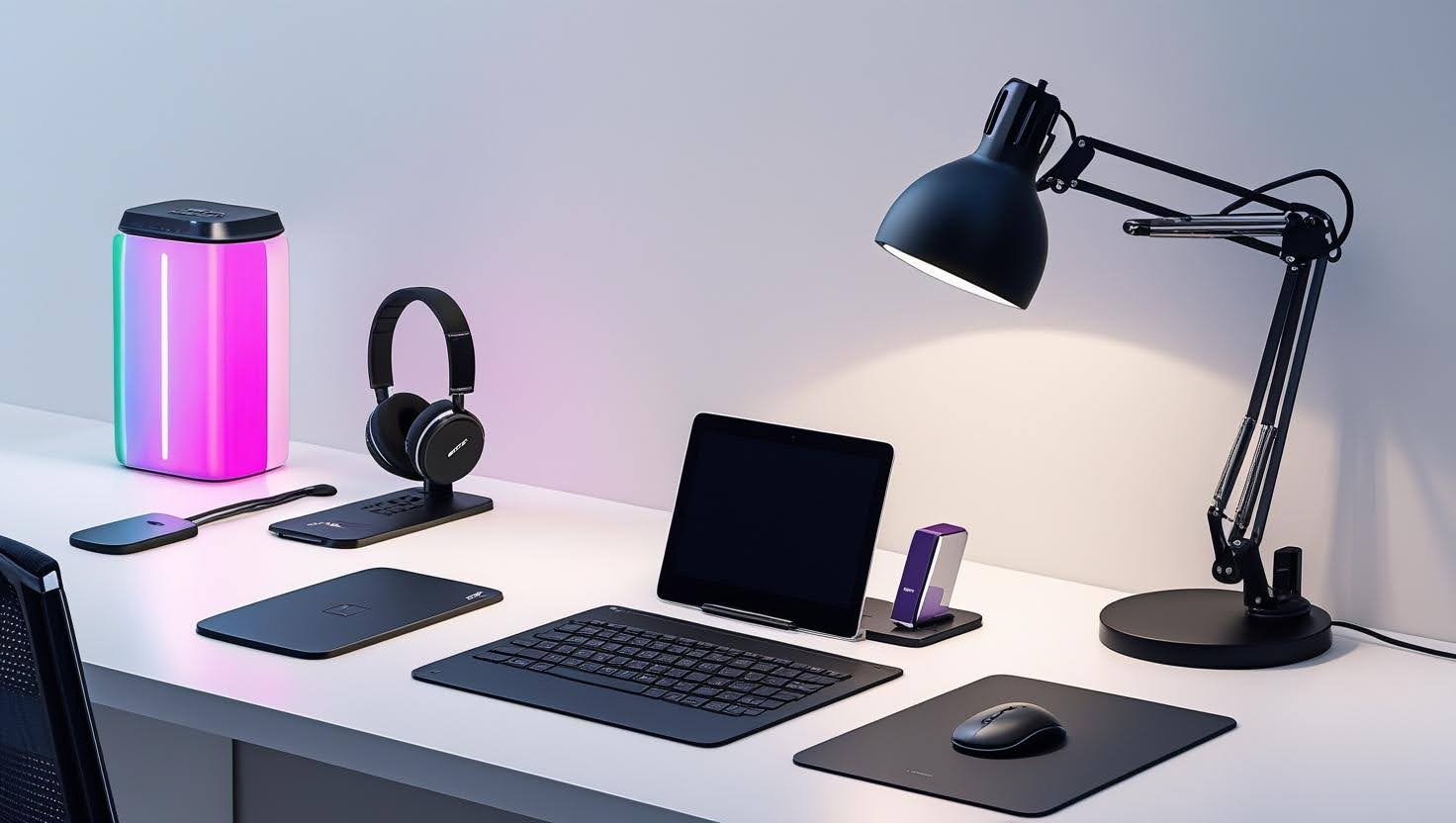

Adjustable Laptop Stand — Ergonomic Aluminum
Pros
- Raises screen to eye level — eliminates neck strain
- Improves airflow and keeps laptop cooler
- Folds flat for travel
Cons
- You'll need an external keyboard once it's elevated


The right accessories transform any laptop into a full workstation. Here are the upgrades actually worth buying.
Last updated: March 2026
A $600 laptop with a good monitor, stand, and keyboard will outperform a $1,200 laptop used on its own for work. Ergonomics, screen real estate, and typing comfort have a direct impact on productivity and how long you can work without fatigue.
The accessories below are chosen for value, build quality, and compatibility. We avoid gimmicks — every item on this list does one thing well and makes a measurable difference in daily use. None of them require you to spend a lot to see a real improvement.


Under $100 setup: Laptop stand ($28) + wireless keyboard and mouse ($49) = $77. This alone transforms your posture and typing comfort. Add a USB-C hub ($35) and you have every port you need. Total: ~$112.
Under $300 setup: Add a 24" 1080p monitor ($130–$150) to the above. Now you have a two-screen setup with ergonomic peripherals for under $300. This is the sweet spot for most home office workers.
Under $500 setup: Upgrade to a 27" 4K monitor ($199) and add a quality desk lamp with USB charging ($40). At this level, your home office rivals most corporate workstations — and you built it yourself.
Gaming setup: Swap the standard monitor for a 144Hz 1080p or 1440p gaming monitor ($180–$250), add a cooling pad for your gaming laptop, and you've got a clean gaming desk setup that handles both work and play without compromise.
Great accessories start with a capable machine. Browse our top picks.